Home/Blog/WordPress

How to Duplicate Pages in WordPress: Every Method That Works

The four ways to duplicate a page in WordPress: plugin, Gutenberg block editor, code, and Elementor. The fastest way to duplicate a page in WordPress is with a plugin like Yoast Duplicate Post: install it, hover over the page you want to duplicate and click Clone. To copy a page without a plugin, open the […]
Is WordPress SEO Friendly? The Honest Beginner Answer

WordPress is SEO friendly out of the box, but rankings still depend on theme, hosting, and content strategy. Yes, WordPress is SEO friendly out of the box. It gives you clean code, editable permalinks, automatic XML sitemaps, and full control over titles and meta descriptions. But SEO friendly means capable, not automatic: your theme, hosting, […]

Webflow vs WordPress: Which Platform Fits Your Business in 2026?

Webflow vs WordPress: a hosted visual builder against the open-source CMS that powers 43% of the web. Webflow vs WordPress comes down to control versus convenience. Webflow is a hosted visual builder that handles hosting, security, and updates for you. WordPress is free, open-source software that powers roughly 43% of all websites and gives you […]

Indexed, Though Blocked by Robots.txt in WordPress: How to Fix It

Diagnosing and fixing a robots.txt rule that blocked a page Google had already indexed. “Indexed, though blocked by robots.txt” means Google added a URL to its index using signals like internal links, even though your robots.txt file disallows crawling that page. Fix it by removing the disallow rule if you want the page indexed, or […]

WordPress SEO Without Plugin: The Complete Manual Guide

You can handle titles, meta descriptions, sitemaps, and schema markup in WordPress without any SEO plugin. Yes, you can do WordPress SEO without plugin help. WordPress already handles the core of on-page SEO: clean permalinks, editable titles, headings, image alt text, and an XML sitemap. By editing your theme files and using free tools like […]

Best WordPress Hosting for WooCommerce Stores in 2026

The best WordPress hosting for WooCommerce depends on catalog size, order volume, checkout load, plugin complexity, and scaling needs. This guide compares current server requirements, SiteGround, Cloudways, managed hosting models, SKU-count fit, caching, backups, staging, and the warning signs that a store has outgrown its plan.

Plugin Not Working in WordPress? How to Find and Fix It Fast

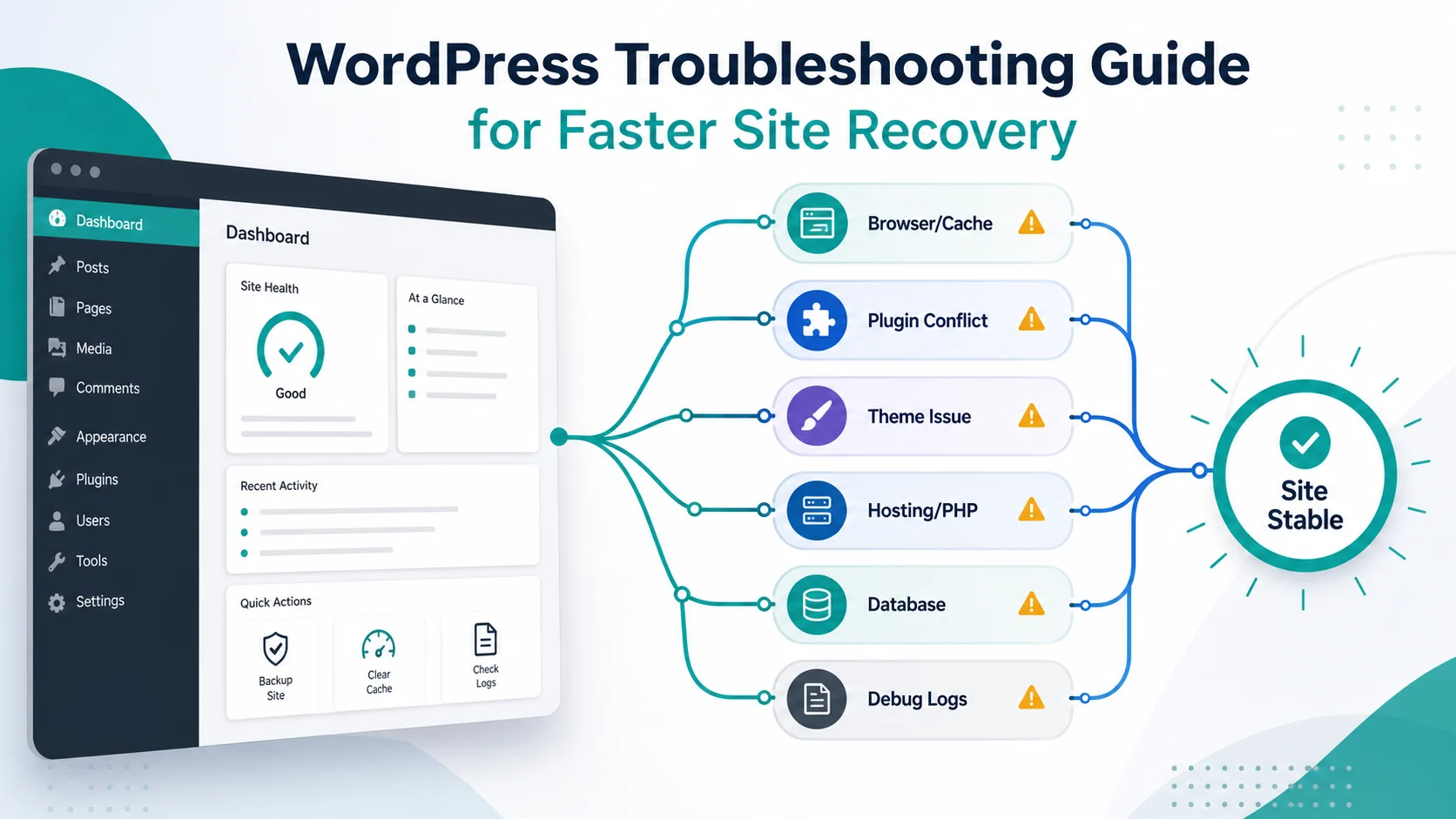
When a plugin is not working in WordPress, deactivate every plugin, then reactivate them one by one until the broken plugin reveals itself. Update it, replace it, or contact the developer, and use FTP to deactivate plugins if you are locked out of admin.

How to Fix the 503 Service Unavailable Error in WordPress

A 503 Service Unavailable error means your WordPress server is temporarily unable to handle the request. Common causes are resource exhaustion, a bad plugin or theme, server overload, and CDN issues. Deactivate plugins, check hosting resources, and clear the CDN to fix it.

How to Fix the WordPress Memory Exhausted Error (Step by Step)

The WordPress memory exhausted error is a PHP fatal error triggered when a script needs more memory than allowed. Raise WP_MEMORY_LIMIT in wp-config.php, then find the plugin or theme that is leaking memory so the error does not come back.