Home/Blog/WordPress

WordPress Stuck in Maintenance Mode? How to Fix It Safely

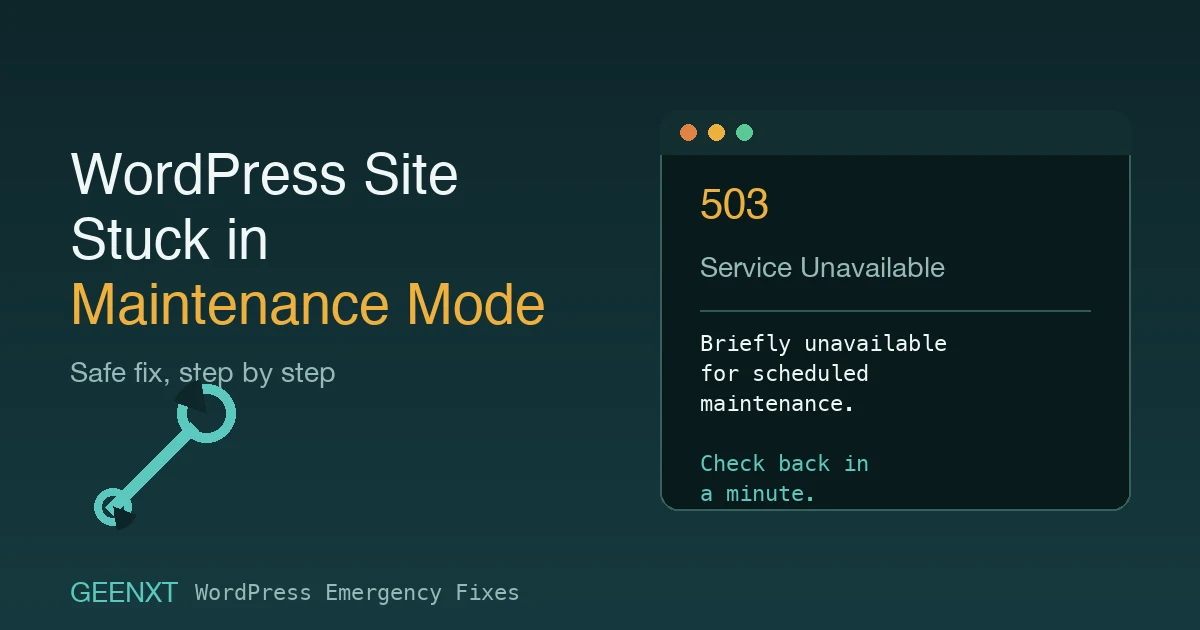
A stuck .maintenance file is the most common reason a WordPress site won’t leave maintenance mode on its own. If your WordPress site is stuck in maintenance mode, WordPress core is looking for a file called .maintenance in your site’s root folder. Back up your site first, then delete that file using FTP, your host’s […]
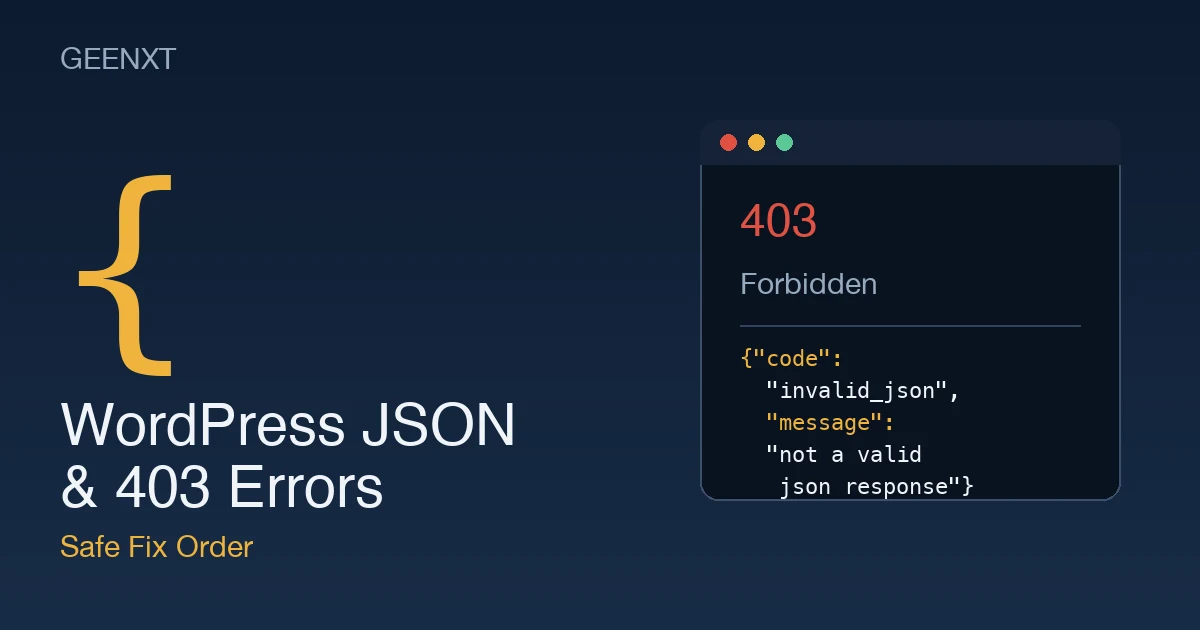
Fixing WordPress “Not a Valid JSON Response” and 403 Errors (Safe Fix Order)

Two different WordPress error messages, one root cause: a blocked request to wp-admin or the REST API. A WordPress json error (“Updating failed. The response is not a valid JSON response.”) and a wordpress 403 error usually share the same root cause: something is blocking a request to wp-admin or the REST API (wp-json). Flush […]

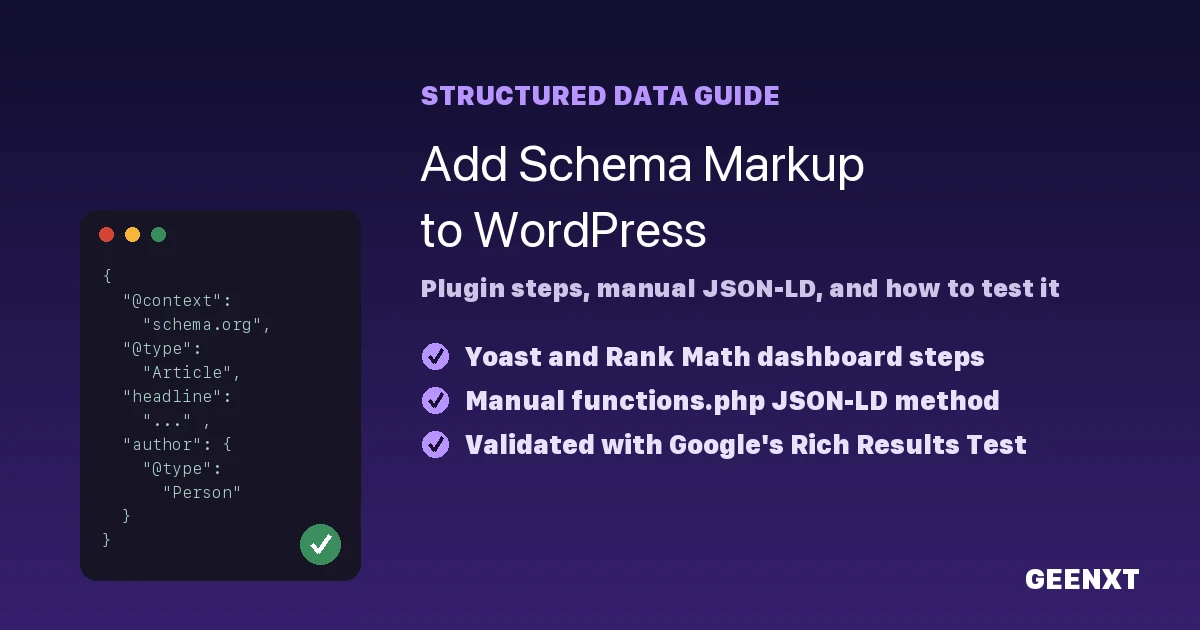
How to Add Schema Markup to WordPress (Plugin + Manual Methods)

Adding schema markup to a WordPress site through a plugin dashboard and a manual JSON-LD snippet. You add schema markup to WordPress in three ways: through an SEO plugin like Yoast or Rank Math, by pasting JSON-LD code into your child theme’s functions.php file, or through a theme template file. Schema markup is structured data […]

How to Fix a WordPress 500 Internal Server Error (2026)

Diagnosing and fixing a WordPress 500 internal server error, from the safest checks to the riskiest fixes. A wordpress 500 error usually traces back to a corrupted .htaccess file, an exhausted PHP memory limit, or a plugin or theme conflict. Start with the safest checks (reload the page, clear cache, regenerate .htaccess) before touching plugins, […]

Wix vs WordPress: Which Should You Choose for Your Business Website?

Comparing Wix and WordPress for choosing the right business website platform. Wix vs WordPress comes down to control: Wix is an all-in-one, hosted website builder built for speed, while WordPress is an open-source content management system giving you full ownership of your code, hosting, and data. Choose Wix for a simple site launched fast; choose […]

WordPress Site Management Basics: Delete, Secure, and Launch a Site

To delete a WordPress site, use your dashboard’s built-in delete tool: on WordPress.com that’s Settings > General > “Delete site,” and on a self-hosted WordPress.org site it means removing the files from your host and dropping the database through your hosting control panel. Deletion is permanent, so back up everything first. Deleting a WordPress site […]

How to Create a Landing Page in WordPress (Step-by-Step Guide)

How to create a landing page in WordPress: native block editor and page builder methods. To create a landing page in WordPress, go to Pages, Add New, build the page with the block editor’s Cover and Group blocks (no plugin required), then publish without adding it to your main menu. For a faster, designed result, […]

How to Install a WordPress Theme: Every Method Explained

Installing, customizing, and safely removing a WordPress theme, step by step. You install a WordPress theme one of three ways: search and install it from the WordPress dashboard, upload it as a ZIP file, or transfer it by FTP (File Transfer Protocol). Each method takes under five minutes for a beginner, and you can preview […]

WordPress Missed Schedule Error: Why It Happens and How to Fix It

Diagnosing the WordPress missed schedule error and replacing WP-Cron with a real server cron job. The WordPress missed schedule error happens when WP-Cron, the built-in task scheduler, fails to run at your post’s scheduled publish time. Because WordPress relies on visits to trigger scheduled tasks, a quiet site can leave posts stuck. The permanent fix […]