A WordPress maintenance report should show what changed on your site each month: core, plugin, and theme updates applied, backup status, uptime, security scans, performance, and a short list of what to do next. Most providers bundle this reporting into the monthly retainer rather than billing it separately, and price that retainer by site risk rather than by the report itself. GEENXT plans run from ₱0 to ₱999 per month.
A wordpress maintenance report is only useful if it answers one question: did the site get safer, faster, and more reliable this month, or did it just get “updated”? Site owners who pay for ongoing wordpress website maintenance deserve proof of the work, not a vague monthly invoice. This guide covers what a good report should include, a simple template you can copy, how to build one yourself, and how that reporting work fits into real retainer pricing.
Do not confuse any of this with a wordpress maintenance mode plugin, which only shows visitors a temporary “site under maintenance” page during an update. That is a one-page tool for a few minutes of downtime. A maintenance report is the opposite: a recurring summary of everything that happened across a much longer stretch of ongoing care.
What Is a WordPress Maintenance Report?
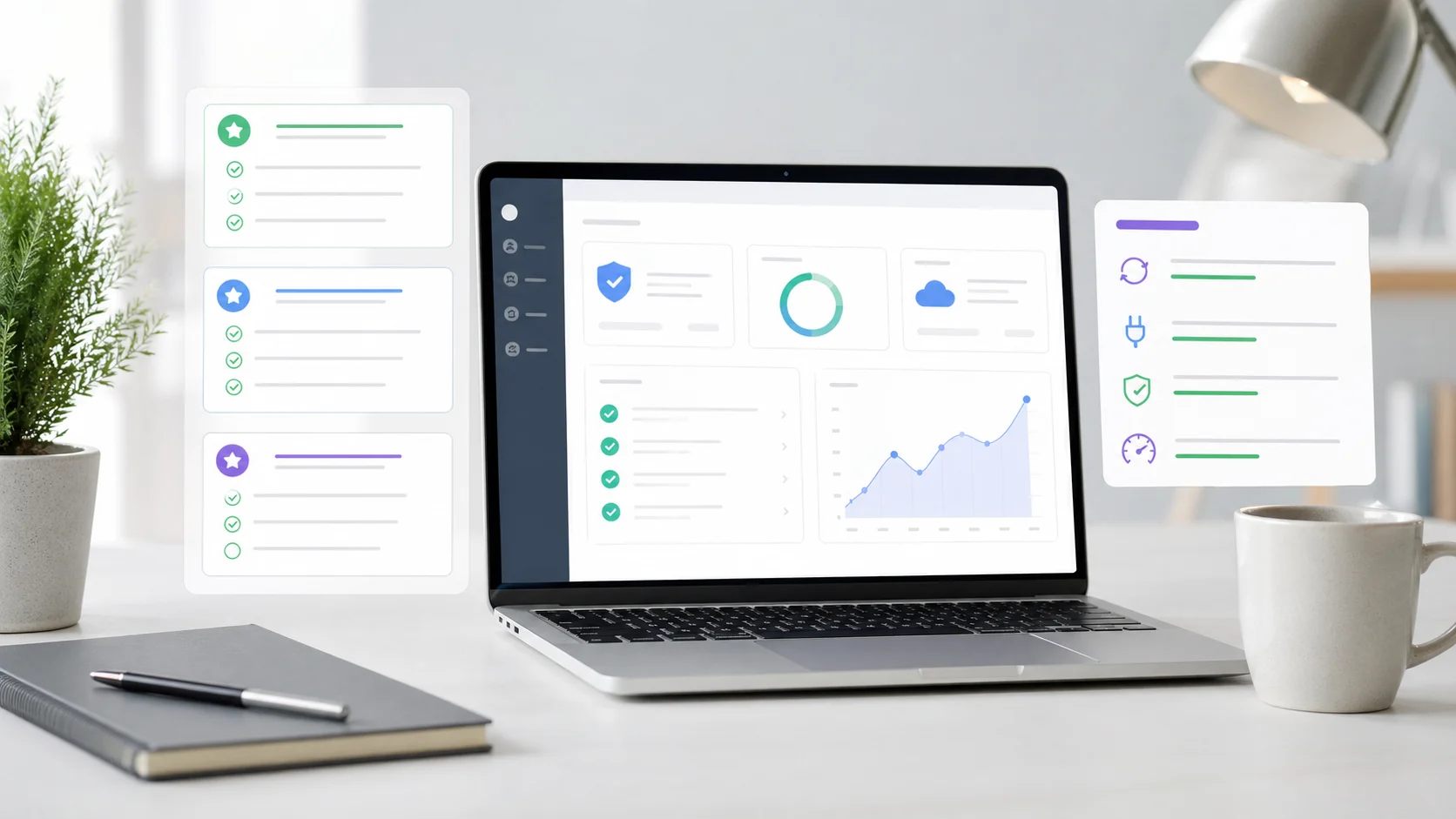
A WordPress maintenance report is a recurring summary, usually monthly, that documents the work performed on a site under a support or maintenance wordpress agreement. It typically covers software updates, backups, uptime, security scans, and performance, and it closes with recommendations for the next reporting period.
The report matters because maintenance work is largely invisible. A client cannot see a tested plugin update, a verified backup, or a blocked login attempt unless someone writes it down. Without a report, a maintenance retainer looks like a recurring charge with nothing to show for it. With one, the client sees exactly what the fee purchased, which helps build trust and gives the owner peace of mind that renewal is an easy decision instead of a budget question. Many wordpress agencies treat this reporting step as the single biggest driver of retainer renewals.
What to Include in a WordPress Maintenance Report
The strongest reports follow a consistent structure so clients can compare month to month at a glance. Skip anything that is not decision-relevant, and keep the language plain enough for a non-technical business owner.
| Section | What it should show |
|---|---|
| Executive summary | Two or three sentences on overall site health and any issue that needs the client’s attention. |
| Site health and security | Core, plugin, and theme updates applied; malware or file-change scans; login attempts blocked. |
| Performance | Page speed checks, uptime percentage, and any slowdown investigated during the period. |
| Traffic and conversions | A short pull from Google Analytics or a similar dashboard, tying maintenance to real outcomes. |
| Backup status | Backup frequency, storage location, and confirmation that a restore was tested, not just scheduled. |
| Recommendations for next month | Any plugin nearing end of life, growing risk, or optional improvement worth scheduling. |
Reports that skip the recommendations section tend to read as a checklist rather than advice, which is the difference between a vendor and a trusted wordpress maintenance service.
WordPress Maintenance Report Template
Use this as a starting outline for a wordpress website maintenance report template. Keep each component short. A report that runs long stops getting read.
- Cover page with the client name, site URL, and reporting period
- Executive summary (two to three sentences)
- Update log: WordPress core, plugin updates, and theme updates applied
- Backup confirmation and last successful restore test
- Security summary: scans run, threats blocked, and any hardening changes
- Performance snapshot: uptime, load time, and Core Web Vitals notes
- Traffic or conversion snapshot, when analytics access is available
- Recommendations and open items for the next reporting period
Some agencies add a table of contents once the report grows past a page or two, and most add their own brand mark at the top so reports with your logo feel like a natural extension of the client relationship rather than a generic export.
How to Create a WordPress Maintenance Report (Step-by-Step)
Creating a wordpress maintenance report does not require custom software. A repeatable process across all client sites matters more than the tool.
- Pull the update log. List every WordPress core, plugin, and theme update applied during the period, plus the date each one went live.
- Confirm backups. Note backup frequency, storage location, and the date of the most recent successful restore test.
- Run a security check. Record scan results, blocked login attempts, and any file-integrity flags from your security scans.
- Capture performance data. Note uptime percentage, average load time, and any incident that affected the site’s performance.
- Add traffic context. Pull a short snapshot from Google Analytics or the client’s preferred dashboard so the report ties maintenance to visible outcomes.
- Write the summary and recommendations. Two or three plain-language sentences up top, plus a short list of what to watch next month.
- Export and send. Save as a branded PDF or share a live dashboard link, then send it on the same day each month so clients can plan around it.
Tools That Help Automate Maintenance Reporting
Manually assembling a report for every client does not scale past a handful of sites. Dedicated plugins and services, such as WP Umbrella, ManageWP, or similar client-reporting tools, can pull update logs, backup status, and uptime into a single branded PDF automatically, which streamlines client reporting and cuts report-building time from hours to minutes across a growing client list. Agencies handling monthly maintenance reports for dozens of accounts rarely build them by hand. Screenshots of before-and-after speed scores or security scan summaries are a simple way to make an automated report feel personal instead of templated.
Automation handles the data pull. It does not replace the judgment part: deciding what belongs in the executive summary, and what should trigger a call instead of a bullet point.
How Often to Send a Maintenance Report
Monthly is the standard cadence for wordpress monthly maintenance reporting, and it matches how most retainers are billed. A quarterly report can work for very low-risk sites, but monthly reporting keeps the relationship active and gives the provider a natural moment to flag anything before it becomes an emergency.
Sites tied to revenue, such as a WooCommerce store or a lead-generation property, benefit from more frequent informal updates between the formal monthly wordpress maintenance report, especially after a larger release or a traffic spike.
What to Leave Out of a Maintenance Report
A report that tries to document everything becomes noise. Leave out raw server logs, line-by-line changelogs for every plugin, and internal notes that are not decision-relevant to the client. If a monitoring tool flags dozens of low-severity notices that were resolved automatically, summarize them in one line instead of listing each one.
Also leave out anything that oversells routine work as heroic effort. A report that inflates ordinary maintenance tasks erodes the same trust it is trying to build. Plain, consistent reporting earns more renewals than dramatic language ever does.
WordPress Maintenance Report Pricing: What It Costs as Part of a Retainer
Reporting itself is rarely billed as a separate line item. It is bundled into the monthly retainer that also covers updates, backups, and support. GEENXT has five planning tiers, from ₱0 per month on Free to ₱999 per month on Premium, and every one of them should include a record of the work as a standard deliverable, not an upsell.
| Tier | Planning price | Best fit | Reporting included |
|---|---|---|---|
| Free | ₱0 monthly | A single site you want to keep healthy while you try the process on a real task. | A record of what changed on every task. |
| Basic | ₱199 monthly | Brochure or credibility sites that mainly need to stay updated and monitored. | A record of what changed, across up to two sites. |
| Standard | ₱399 monthly | The first tier with automated backups, which makes it a sensible floor for a site that earns revenue. | Update and backup record, plus a priority queue when something needs attention. |
| Professional | ₱799 monthly | Stable business site that needs updates, backups, and a known support channel. | Monthly performance audit covering updates, backups, uptime, and Core Web Vitals. |
| Premium | ₱999 monthly | Higher-risk sites that need closer monitoring, priority attention, or more developer judgment. | Monthly audit plus deeper security scans, performance detail, and next-step recommendations. |
Cost varies by site complexity, business impact, update workflow, security posture, and support expectations, the same factors that shape how deep a report needs to go. A brochure site with a small plugin count only needs a light report. A WooCommerce store or membership platform needs a report that shows real security review and performance tracking, because a missed update or failed backup carries a much higher cost. Confirm whether reporting, staging, and urgent repairs are included before comparing prices; some low-cost plans update software but skip reporting and cleanup entirely.
A retainer price is not the full picture of what a WordPress site costs to own. Licenses for premium plugins, hosting, and occasional project work outside the retainer all add to the real total cost of ownership, and a good maintenance report should note when one of those costs is approaching (a plugin license renewal, for example) so nothing arrives as a surprise.
| Usually not included in the retainer | Why it is billed separately |
|---|---|
| Website redesign or new feature builds | Requires its own scoping, design, and testing, so it falls outside a recurring maintenance report. |
| Malware cleanup after a compromise | Monitoring is proactive; cleanup after an active hack is a separate, scoped repair. |
| Premium plugin license renewals | Third-party annual licenses are usually passed through, not absorbed into the retainer fee. |
| Hosting migrations | DNS, files, database, and email all need a dedicated migration plan, not routine maintenance. |
The official WordPress update documentation shows why a tested release process, not just clicking “update,” is worth documenting in the first place. Backup practices should follow the same rigor described in the WordPress.org backup guidance, and any report claiming a backup exists should be able to point to a tested restore, covered in more depth in our WordPress backup strategy guide.
Retainer vs. Hourly Support
Hourly support can work when requests are rare and not time-sensitive. A retainer works better when the site needs predictable wordpress site maintenance, a monthly report, and someone who already knows the setup instead of starting from zero on every ticket.
An hourly rate can look cheaper for one task, but each new issue often starts with access setup and a review of recent changes. A retainer keeps that context warm and turns the monthly report into a running record instead of a series of disconnected invoices.
Choosing the Right WordPress Maintenance Plan
Start with risk, not price. A simple credibility site with a small plugin count may only need Basic or Standard coverage and a light monthly record. A commerce or lead-generation site that depends on uptime, checkout, and forms usually justifies Premium coverage with a deeper report and faster response times.
Before signing, ask to see a sample report. A provider that cannot show a clear, recent example of their wordpress maintenance report is asking you to trust a process you cannot verify. Pair the retainer with a documented WordPress security checklist and a written WordPress care plan so the report has clear items to check against every month. Slow pages quietly cost conversions and SEO rankings alike, so Core Web Vitals data belongs in that report alongside uptime and security. For the full list of routine tasks a report should track, see our WordPress maintenance checklist for business websites, and if something breaks between reports, our WordPress troubleshooting guide covers the recovery path. For ongoing coverage, GEENXT’s WordPress support plans include a record of the work as a standard part of every tier, not a paid add-on. Compare the full WordPress support scope before choosing a tier.
Frequently Asked Questions
What is a WordPress maintenance report and why is it important?
It is a recurring summary, usually monthly, documenting updates, backups, security scans, uptime, and performance for a site under a maintenance agreement. It matters because it turns invisible maintenance work into visible proof of value.
What key elements should be included in a WordPress maintenance report?
An executive summary, an update log (core, plugin, and theme updates), backup confirmation, a security summary, a performance and uptime snapshot, and recommendations for the next period.
How can I create or generate a WordPress maintenance report?
Pull the update log and backup status, run a security check, capture uptime and performance data, add a short analytics snapshot, then write a plain-language summary and export it as a branded PDF or shareable link.
What are the best practices for delivering effective maintenance reports to clients?
Keep the format consistent every month, lead with a plain-language summary before the technical detail, send it on the same date each period, and always close with clear next-step recommendations.
What tools or plugins help automate WordPress maintenance reporting?
Dedicated reporting plugins and client-management platforms, such as WP Umbrella or ManageWP-style tools, can pull update logs, uptime, and backup status into a branded PDF automatically for teams managing several client sites.
Can WordPress maintenance reports be customized or white-labeled?
Yes. Most reporting tools support a custom logo, color scheme, and report structure so agencies can send reports with your logo instead of a generic export.
How often should WordPress maintenance reports be sent?
Monthly is standard and matches most retainer billing cycles. Higher-risk sites, such as a WooCommerce store, often benefit from informal updates between the formal monthly report.
How much does WordPress maintenance cost in 2026?
GEENXT plans run from ₱0 to ₱999 per month. Free and the ₱199 Basic tier cover routine updates and a record of the work, the ₱399 Standard tier adds weekly automated backups and a priority queue, the ₱799 Professional tier adds a monthly performance audit and 24/7 response readiness, and the ₱999 Premium tier adds daily real-time backups, proactive security monitoring, and a dedicated engineering manager for higher-risk sites.
Bottom Line
A wordpress maintenance report is what turns a monthly invoice into visible proof that a site is safer, faster, and better cared for. Keep the structure consistent, automate the data pull where it makes sense, and always close with a clear recommendation for next month. Whether you land on the ₱199 Basic tier or the ₱999 Premium tier, the report itself should never be the upsell. It should be the receipt.
Setting up a retainer like this works best when the scope and response times are spelled out up front — see GEENXT’s Freelance Web Support SLA Template for a ready-to-use structure.