Home/Blog/Backups

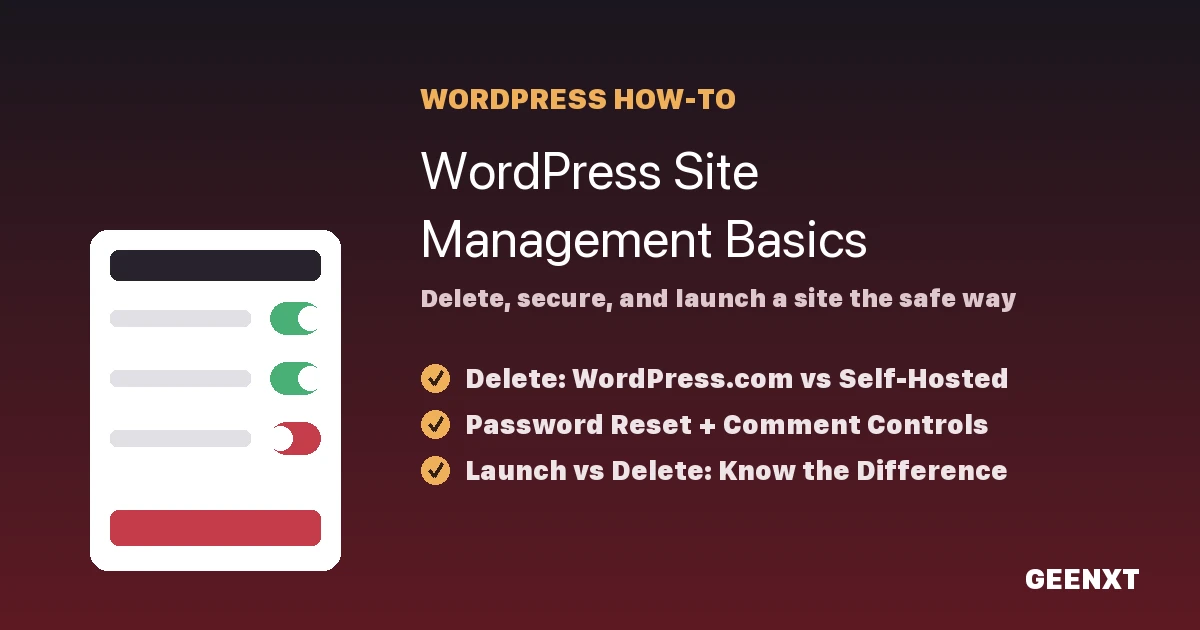
WordPress Site Management Basics: Delete, Secure, and Launch a Site

To delete a WordPress site, use your dashboard’s built-in delete tool: on WordPress.com that’s Settings > General > “Delete site,” and on a self-hosted WordPress.org site it means removing the files from your host and dropping the database through your hosting control panel. Deletion is permanent, so back up everything first. Deleting a WordPress site […]

WordPress Migration Checklist: Move Your Site Without Breaking It

A phase-based WordPress migration checklist keeps files, database, and SEO intact while your site moves to a new host. A WordPress migration checklist breaks a site move into three phases: back up your files and database and prepare the new host before you start, move and verify the data during the transfer, then test URLs, […]

WordPress Maintenance Checklist for Business Websites

A complete WordPress maintenance checklist for business websites: daily, weekly, monthly, quarterly, and annual tasks for backups, updates, security, performance, and recovery, plus when to outsource.