Home/Blog/WordPress Emergency Fixes

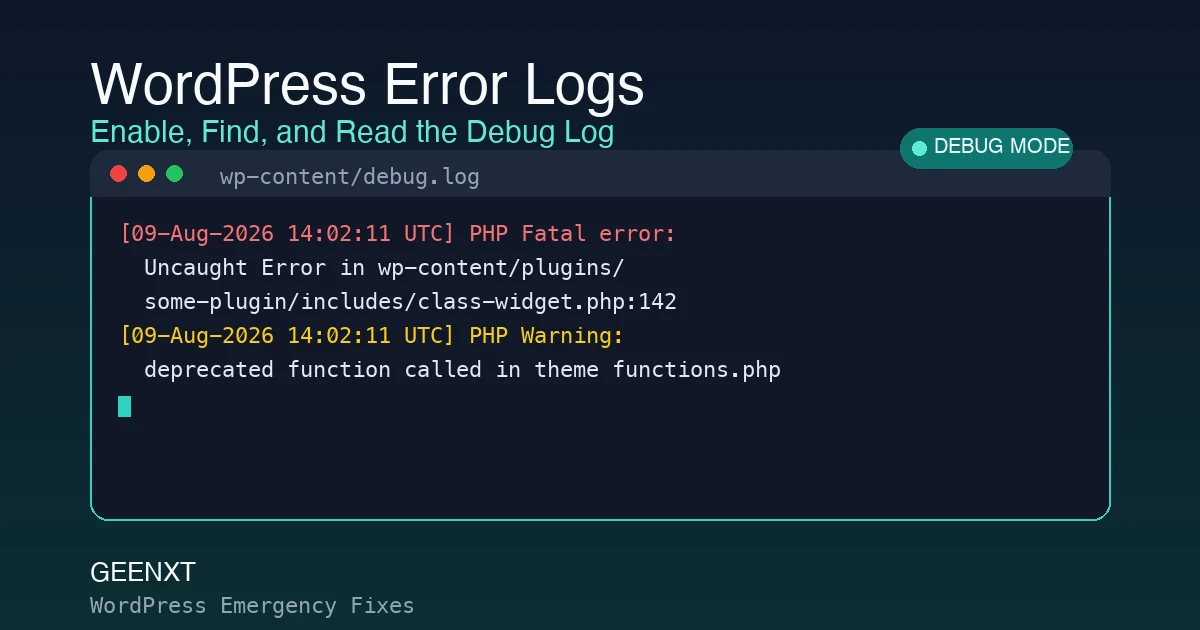
How to Enable and Read WordPress Error Logs (Debug Guide)

Enabling WordPress debug logging surfaces the exact plugin, file, and line behind a fatal error. A WordPress error log records PHP fatal errors, warnings, and notices as they happen, usually saved to wp-content/debug.log. It stays off by default. Turning it on takes one change to wp-config.php (the WP_DEBUG_LOG constant) or a debugging plugin, and the […]
How to Fix a WordPress 404 Not Found Error (Step-by-Step)

Step-by-step guide to diagnosing and fixing a WordPress 404 not found error. A WordPress 404 not found error almost always comes from broken permalinks, a corrupted .htaccess file, or a plugin/theme conflict. Reset your permalinks first (Settings, Permalinks, Save Changes) since that alone fixes most cases in under a minute. If the page is gone […]

Is WordPress Down? How to Tell in 2 Minutes (and What to Do Next)

Checking if WordPress is really down, ranking the likely causes, and setting up ongoing uptime monitoring. Most “is WordPress down” scares are local, not global: a stale browser cache, a DNS hiccup, or a single plugin conflict, not a full outage. Check the official status page at WordPress.org and a third-party checker like UptimeRobot from […]

How to Fix a Broken WordPress Theme: A Step-by-Step Recovery Guide

A broken WordPress theme causes white screens, broken layouts, and fatal errors after updates. Here is how to confirm the theme is the cause, recover the site whether or not you can log in, find the exact error with WP_DEBUG, and prevent it happening again.

WordPress Error Establishing a Database Connection: Full Fix Guide

WordPress shows an error establishing a database connection when it cannot reach the database that stores site content, settings, users, and plugin data. Use this urgent triage guide to check scope, credentials, hosting status, database health, repair options, and restore paths without making the outage worse.