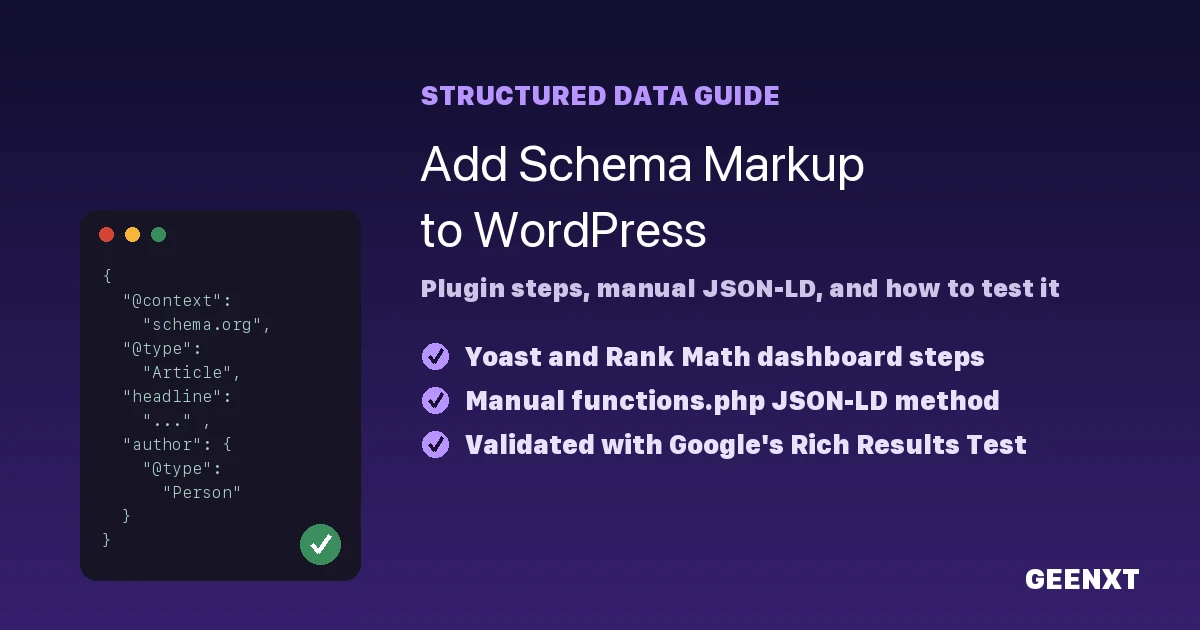
How to Add Schema Markup to WordPress (Plugin + Manual Methods)

Adding schema markup to a WordPress site through a plugin dashboard and a manual JSON-LD snippet. You add schema markup to WordPress in three ways: through an SEO plugin like Yoast or Rank Math, by pasting JSON-LD code into your child theme’s functions.php file, or through a theme template file. Schema markup is structured data […]
Is WordPress SEO Friendly? The Honest Beginner Answer

WordPress is SEO friendly out of the box, but rankings still depend on theme, hosting, and content strategy. Yes, WordPress is SEO friendly out of the box. It gives you clean code, editable permalinks, automatic XML sitemaps, and full control over titles and meta descriptions. But SEO friendly means capable, not automatic: your theme, hosting, […]

Indexed, Though Blocked by Robots.txt in WordPress: How to Fix It

Diagnosing and fixing a robots.txt rule that blocked a page Google had already indexed. “Indexed, though blocked by robots.txt” means Google added a URL to its index using signals like internal links, even though your robots.txt file disallows crawling that page. Fix it by removing the disallow rule if you want the page indexed, or […]

WordPress SEO Without Plugin: The Complete Manual Guide

You can handle titles, meta descriptions, sitemaps, and schema markup in WordPress without any SEO plugin. Yes, you can do WordPress SEO without plugin help. WordPress already handles the core of on-page SEO: clean permalinks, editable titles, headings, image alt text, and an XML sitemap. By editing your theme files and using free tools like […]